You Already Have OCR. So Why Is Nothing Getting Faster?
Your document tool reads the page but never says when it is unsure. That gap is why the headcount never dropped, and it is the difference between OCR and KIE.

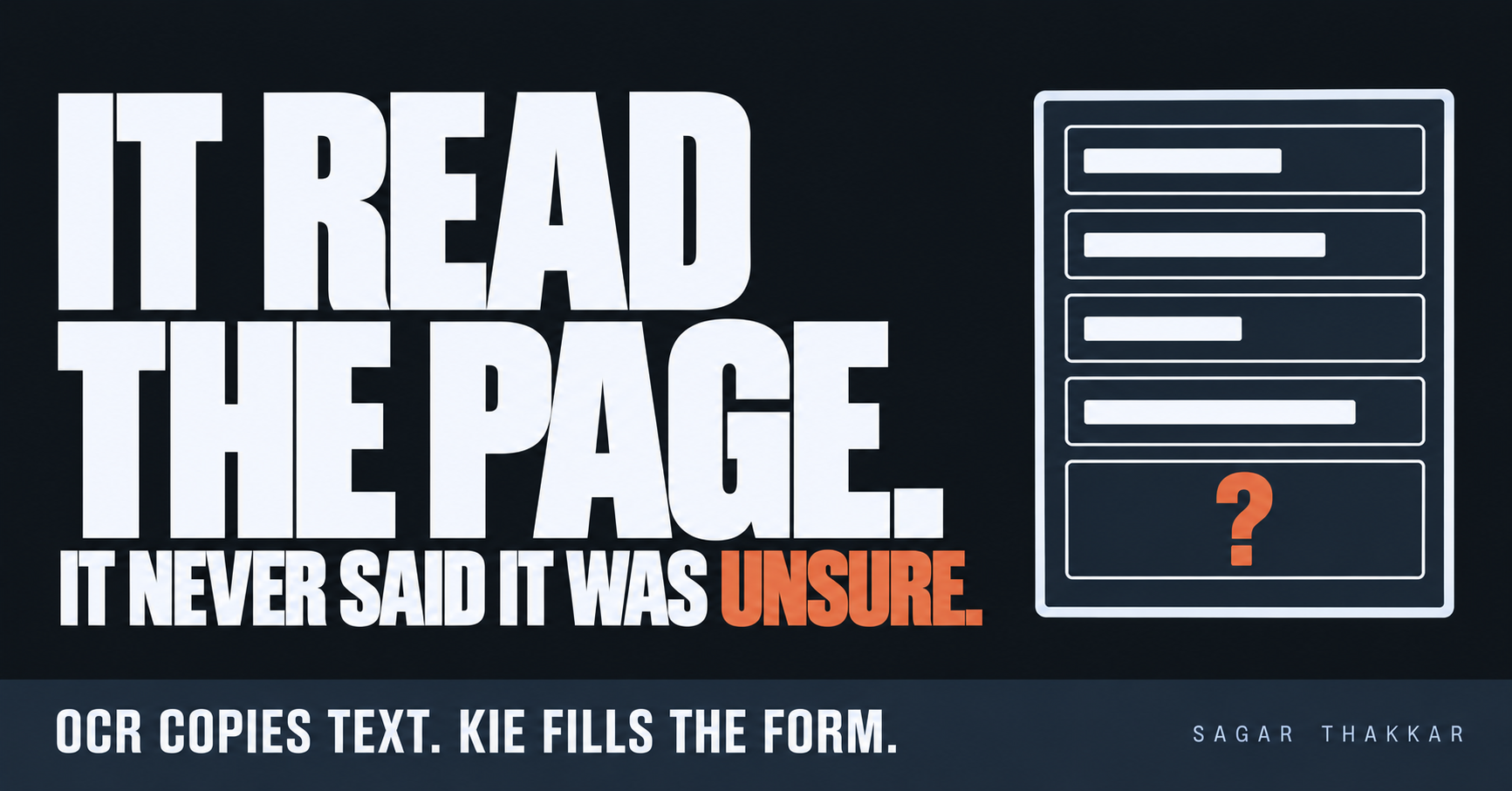
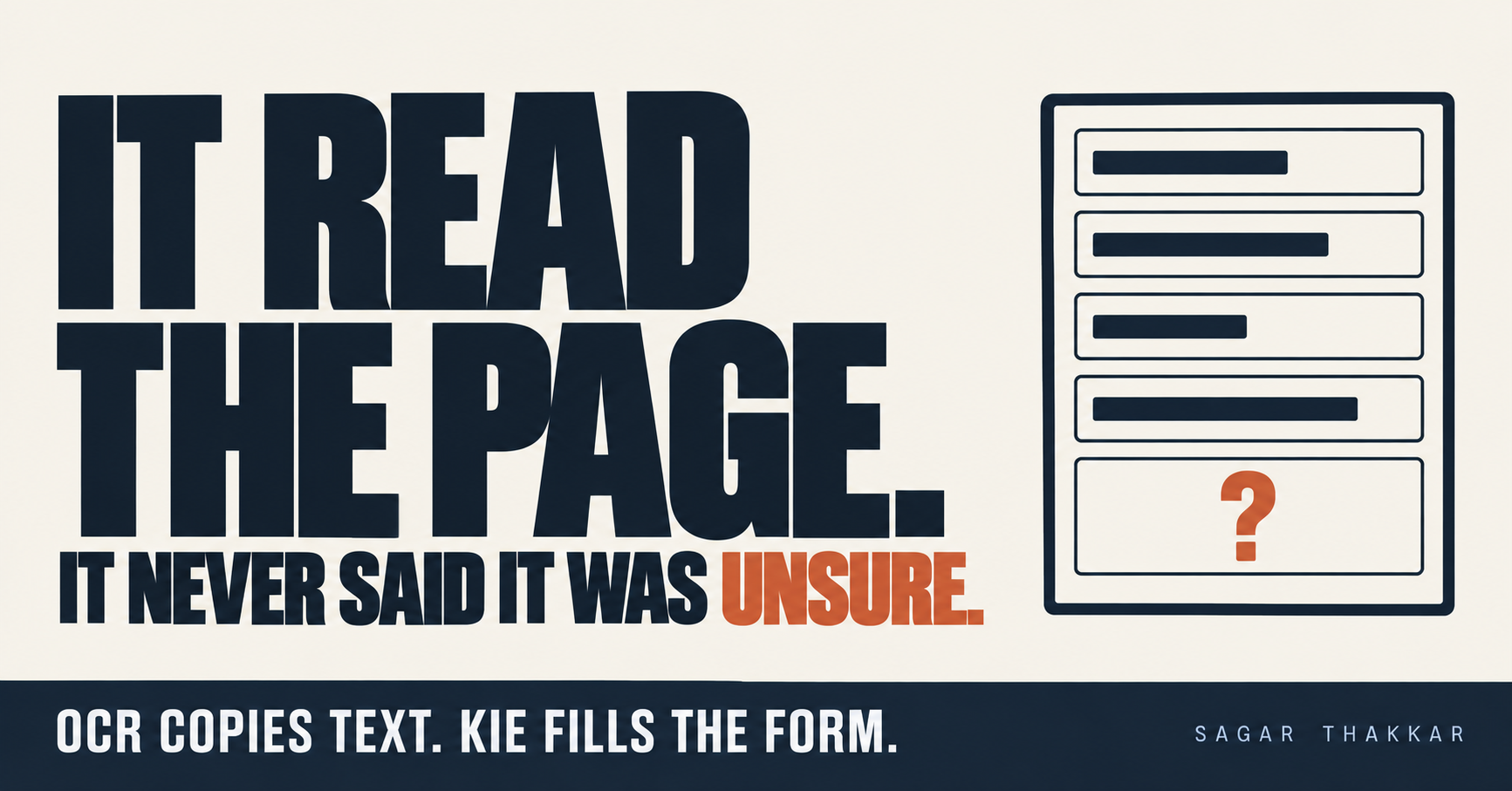
OCR copies the text on a page. KIE, key information extraction, returns the labelled fields your process needs, each with a confidence score. That score is the whole product: without it a person has to check every document, so the headcount never drops. Accuracy without confidence buys nothing.
Somewhere in your organisation there is a tool that reads documents. It was bought two or three years ago, it works, and the invoice for it renews every year.
And yet the same number of people are still typing the same information into the same systems.
When somebody proposes spending money on document automation, the reasonable answer is: we already have that. The proposal stalls there. This post is about why that sentence is usually wrong, and how to tell the difference yourself without becoming an engineer.
The difference, in one picture
Imagine two people sitting at your intake desk.
The first is a very fast typist. You hand them a document, they type out everything printed on it, and they hand you back a page of text. They do not know what an account number is. They do not know which line is the total. They just copy. They never say “I could not read this bit,” they simply produce their best guess and move on, in the same confident handwriting as everything else.
The second is a clerk. You hand them the same document, and they hand you back your form, filled in. Account number in the account number box. Total in the total box. And crucially: against two of the boxes they have pencilled a question mark, because they were not sure.
The typist is OCR, optical character recognition. It turns a picture of a page into characters.
The clerk is KIE, key information extraction. It returns the specific pieces of information your process actually needs, each one labelled, and each one with a note saying how confident it was.
Everybody focuses on the first difference, understanding versus copying. The one that decides whether you save any money is the second: the question mark.
Why the question mark is the whole product
Ask yourself what you do with the fast typist’s output.
You cannot use it directly, because you have no idea which parts are right. Not some of it. Any of it. The document where they got everything perfect looks exactly the same as the document where they invented three digits. So somebody has to check all of it. Every page, every time.
That is why the headcount never dropped. Your people did not stop working when the tool arrived. They changed jobs, from typing to checking, and checking is not much cheaper than typing. In many cases it is worse, because now they read the screen and the document.
Now consider the clerk. Ninety of every hundred forms come back with no question marks. Those can go straight into your systems with nobody looking at them. Ten come back with a pencil mark, and only those ten reach a person.
That is the entire economic difference. Not accuracy. Self-knowledge.
A system that cannot tell you which of its answers are right cannot save you a single minute on any of them.
The trap: buying a better typist
This is the instinct almost everyone has, and it costs real money.
The tool is inaccurate, so the obvious move is to buy a more accurate one. Suppose you do, and the new one is ten percentage points better.
Nothing changes. You still cannot tell which ten points improved. So every document still gets checked, and your cost line does not move. You have paid for accuracy and bought no automation.
A second trap sits next to it. Handwritten documents are not a “slightly harder” case for a reading tool, they are usually a cliff. General-purpose readers tend to fail on handwriting outright rather than degrade gracefully. If a meaningful share of what arrives at your intake is handwritten, no amount of licence spend closes that gap. It needs a different design, not a bigger cheque.
The sentence to use in the room: the tool is not failing because it reads badly. It is failing because it never says how sure it is, so a person has to check all of it. Accuracy without confidence buys nothing.
The one number to ask for
There is a single figure that makes this visible to a board, and most organisations cannot produce it:
Straight-through rate: the share of documents that go from arrival to your system of record with no human touch at all.
Ask for it. If nobody can answer, that is the answer. In any operation that bought reading without confidence scoring, the straight-through rate is effectively zero by design. Nothing in the process is permitted to say “this one is fine, let it through.”
Which is also why the number can move so sharply. You are not trying to improve sixty percent to seventy-five. You are creating a category that does not currently exist.
What the gap actually costs
Numbers below are illustrative. Substitute your own and the shape holds.
Assume a hundred thousand documents a day. Assume two in five cannot be read automatically and are typed by hand. Assume manual entry takes about a minute.
- Forty thousand typed by hand, at a minute each, is roughly 667 hours of staff time a day.
- Now the other sixty thousand. These were read automatically, but with no confidence score, so every one is verified by a person anyway. Call verification twenty seconds. That is another 333 hours a day, spent confirming answers that were already correct.
The second number is the one nobody counts. It is not the cost of the tool being wrong. It is the cost of the tool being unable to say it was right.
Then there is the cost you never see on the document line at all. A wrong value typed at capture does not stay at capture. Depending on the field it becomes a wrong payment, a rejected claim, a failed delivery, or a support call. Each of those costs multiples of the original keystroke. That expense sits in operations while the cause sits in data entry, which is precisely why it never appears in the business case for the reading tool.
When OCR on its own is genuinely enough
It would be dishonest to tell you the answer is always “buy more.” Sometimes the fast typist is exactly right, and paying for the clerk is waste.
OCR alone is the correct answer when a human is the consumer of the output. Making an old paper archive searchable. Finding every document that mentions a term during a dispute. Accessibility. In all of these a person reads the result and judges it in context, so nobody needs a confidence score and the extra machinery earns nothing.
You need extraction with confidence when a machine is the consumer. The value is going to be written into a system, used to route something, priced, paid, or matched, with no person in between.
One test settles it in a meeting: does anything happen automatically because of this value? If yes, you need the clerk. If the answer is “a person reads it and decides,” the typist is enough, and anyone selling you more is overselling.
Be aware of the costs on the other side too. The clerk needs a defined list of fields, which means every new document type is a change request. Someone must own the confidence threshold and tune it. Untuned, it either floods your exception queue or waves errors through.
Twelve questions to ask your vendor or your own team
This is the part worth keeping. You do not need to evaluate the technology. You need to hear the answers.
| # | Question | What a bad answer sounds like |
|---|---|---|
| 1 | What share of our documents complete with no human touch today? | “We would have to look into that” |
| 2 | Does the tool return labelled fields, or a block of text? | “It returns the document content” |
| 3 | Does every field come back with a confidence score? | “The overall accuracy is 95%” |
| 4 | Can we set the confidence level at which a document goes to a person, and change it ourselves? | “We tune that for you” |
| 5 | What happens to a correction one of our staff makes? | Anything other than “it improves the next version” |
| 6 | Which fields can the system check against each other? | “It does not do that” |
| 7 | What is accuracy per field, not overall? | A single headline percentage |
| 8 | What is accuracy on handwritten input, measured on our documents? | A figure from their own sample set |
| 9 | How much of the price grows as our volume grows? | Vagueness here is expensive later |
| 10 | Where does our data physically go, and who else can see it? | “It is secure” |
| 11 | How do we roll back to the previous version if a new one is worse? | “That has not come up” |
| 12 | What straight-through rate will you commit to in writing after ninety days? | Refusal, or a number with no measurement plan attached |
Question 3 is the one that separates the two products. Question 5 is the one that separates a tool you rent from a capability you own.
Prove it before you fund it, in one shift
You do not need a pilot, a budget line, or systems access to build the business case. You need four numbers and one day.
| # | What to measure | How |
|---|---|---|
| 1 | Share of documents handwritten versus printed | Sample two hundred across shifts, tally |
| 2 | Time to enter one document by hand | Stopwatch, thirty documents, two staff |
| 3 | Accuracy of the current tool, field by field | Same two hundred, compare against what the document actually said |
| 4 | Share of the tool’s output a person edits | System logs if you have them, otherwise a tally over one shift |
That is the whole cost of turning an argument into evidence. A vendor’s benchmark, measured on someone else’s documents, will not survive your first review meeting. Your own four numbers will.
If you stop reading here, you have the answer.
For the technical reader
Everything below is detail your team will want and you do not need.
The category name vendors use for the full pipeline is IDP, intelligent document processing. The steps are capture, extract, score each field, validate, route to a person only when below threshold, then feed the correction back into training. OCR is one step inside that pipeline. KIE is the step that makes the other steps worth having.
The self-validation in step four is where a lot of the practical accuracy comes from, and it does not require a better model. A postal code can be checked against the city on the same document. A total can be checked against the sum of the line items. A date can be checked against a plausible range. Two cheap fields agreeing raises confidence in both; disagreeing sends one document to a person instead of all of them.
On governance, use the vocabulary that already exists rather than inventing your own. The NIST AI Risk Management Framework and ISO/IEC 42001 cover model versioning, held-back test sets, monitoring, and rollback. Auditors recognise both, which shortens conversations.
Two design constraints are worth insisting on from the start. First, models can run on infrastructure you control, so data residency stops being an open question. Second, keep the manual path alive permanently. Switching the automatic route off restores exactly today’s process, which makes this a low-consequence decision to approve and a very hard one to regret.
The short version
You do not have an accuracy problem. You have a confidence problem.
Buy reading, and somebody checks everything, so you pay twice for every document. Buy extraction with a confidence score, and the routine documents pass through untouched while only the genuinely uncertain ones reach a person.
That is the difference between renting a tool and owning a capability. It is also the only version where the cost line goes down.